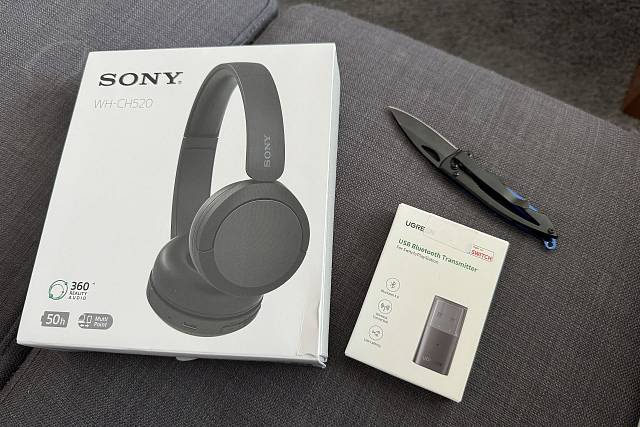
Potřeboval jsem k Playstation 5 připojit bluetooth sluchátka. Jako první mě čekalo nemilé překvapení, že k playstationu nejde připojit libovolná bluetooth sluchátka, ale jen ta přímo určená k této konzoli a to jsem opravdu nechtěl.... Rozhodl jsem se totiž pro levná sluchátka Sony WH-CH520, která použiji i k iPhonu.
Naštěstí připojení k playstationu má řešení - musí si zakoupit externí USB bluetooth adaptér. Bohužel opět nejde koupit úplně kterýkoliv, tak jsem dle toho co jsem vysondoval koupil Ugreen 10928 (nejlevnější řešení, kde byla zmiňována komplatibilita s playstation) a opravdu to funguje!
Zakoupeno
Sluchátka Sony WH-CH520 (900 kč)
USB Bluetooth Ugreen 10928 (160 Kč)
Funguje to?
Hodně jsem se obával, ale funguje to. Dokonce ani není třeba sluchátka nijak párovat přes mobilní aplikaci Sony Sound connect, aby se připojily k Playstationu. Stačí jen sluchátka zapnout a počkat nějakou dobu než se sami k USB-bluetooth adaptéru připojí (někdy to trvá déle - klidně i pár minut).
Osvědčilo se mi, že když se připojení nedaří, tak je dobré sluchátka vypnout, počkat aspoň 10 vteřin a sluchátka opět zapnout.
Jak se to chová?
Když chcete mít výstup zvuku do sluchátek, tak zvolte v playstation nastavení výstupu zvuku přes USB.
Rovněž velice dobře funguje i připojení bluetooth reproduktoru, není problém střídat sluchátka a reproduktor (vyzkoušen LAMAX Sounder2 Mini).
Dodatek
Gamepad (DualSense controller) má v sobě 3.5 jack, takže je možné do něj píchnout i klasická drátová sluchátka a nemusíte nic kupovat.

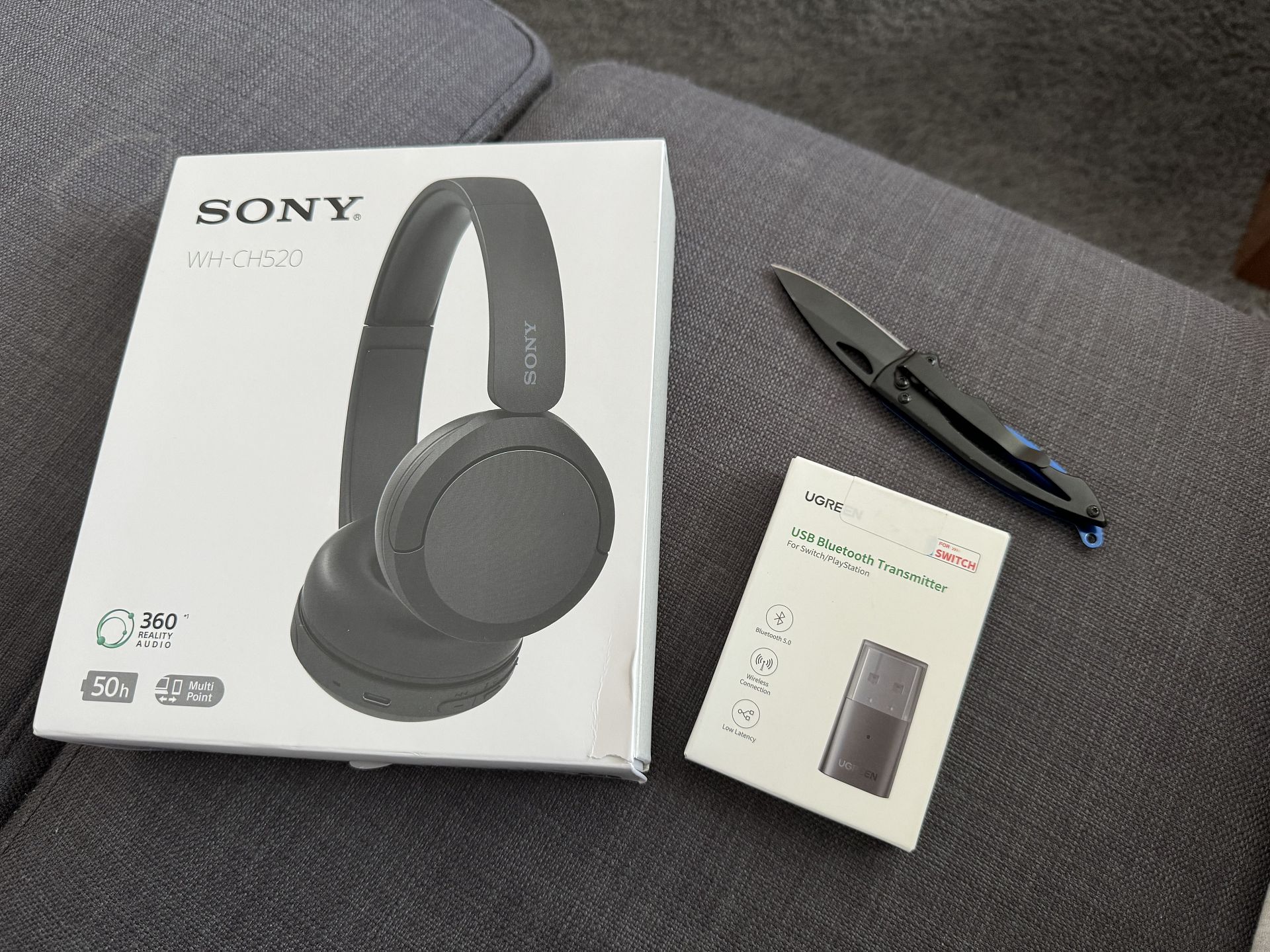




používám to přesně dle tvého návodu - mám sluchátka Sony WH-CH520 připojená k playstation 5 přes Ugreen 10928. Doteď vše fungovalo ok, ale teď už se sluchátka vůbec připojit nechtějí, ačkoliv bluetooth reprák se připojí v pohodě. Nevíš co s tim?
Díky
také už jsem měl jednou podobný problém. Stačí sluchátka Sony WH-CH520 uplně vyresetovat - drž tlačítko ON současně s hlasitostí MIN několik sekund dokud nezačnou sluchátka blikat a říkat pairing.
Pak se to úspěšně samo připojí k playstationu a není třeba je ani párovat přes appku v telefonu.